Prepared for Next-Generation
Tech Talent
Real Linux workspaces with public URLs, databases, an app store and one connection for AI agents — for students and the people who teach them, for startups and teams, and for companies on their own hardware.
How the trial works: sign in, tell us about your institution, and once we approve it you get a dedicated 4 vCPU / 8 GB server under your own brand, free for 30 days. Afterwards the same server carries on as the Nano plan at €30.00 a month, and you can move to a bigger machine whenever you want. Want us to set it up for your team? Done-for-you setup →
Every audience
One platform, six ways people run it
The same machines, the same store and the same MCP surface underneath. What changes is who it has been set up for, and each page below is written for one of them.
For Academies
Give every student a real Linux machine, without building a lab room
- JD John Doe Deploying Container…
- AS Alice Smith Lab Completed (98/100)
- RJ Robert Jones Failed: DB Connect Error
A machine per student, a template per course
Every student opens a browser and gets their own Linux machine. It keeps their work between classes and runs the same on any laptop. Faculty publish one template per course, and every batch starts from it.
- Persistent machines: A workspace per student that lasts the whole semester, with SSH and a desktop when needed.
- One template per course: Publish the setup once, deploy it to a department, and set that department’s limits.
- Marking built in: A quiz bank, a code arena scored against real tests, and CTF flags on a live scoreboard.
Zero IT setup
A platform in 165 seconds, with the lab room already inside it.
- Ready to launch: Provision a platform, publish a template per subject, and every batch starts from it.
- No installation: Students open a browser. The workspace is Linux, persistent, theirs.
- Easy to scale: Plans from Nano to Titan, by the hour. Move up when the batch grows, back when it ends.
Use Cases
- Technical courses & labs
- Workshops & hackathons
- Placement prep & portfolios
- Faculty practice & upskilling
Outcomes
- No lab room to set up
- More hands-on time
- Progress you can track
- A portfolio students keep
Modules when you want them
Learn, Evaluate, CTF and Discuss are switches per platform. Labs and Workspaces are always on.
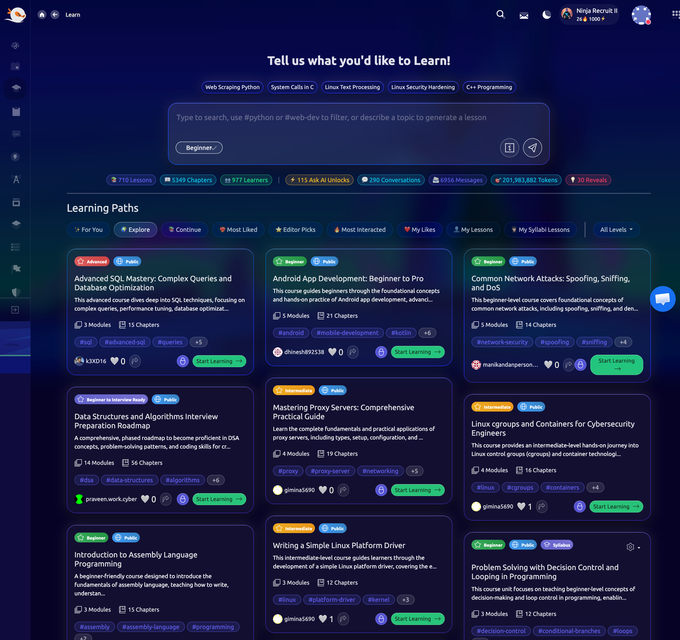
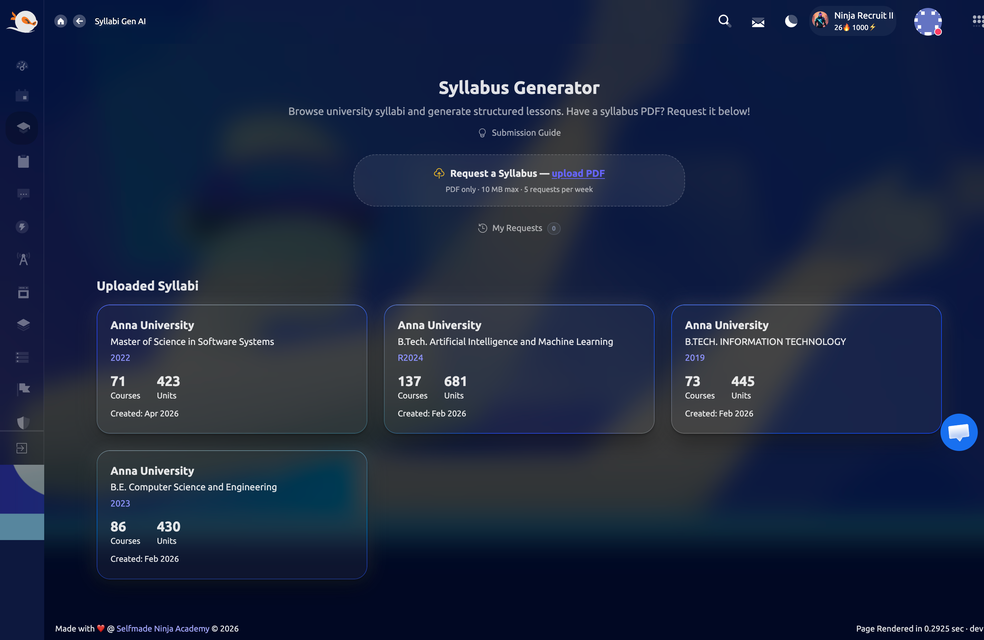
- Learn: Roadmaps and a syllabus, progress kept per person.
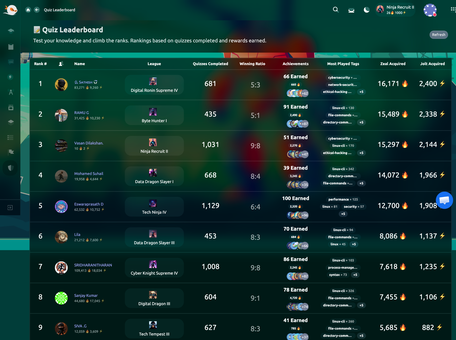
- Evaluate: A quiz bank and a code arena that run submissions against real test cases.
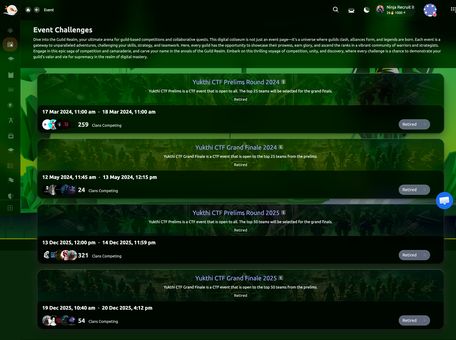
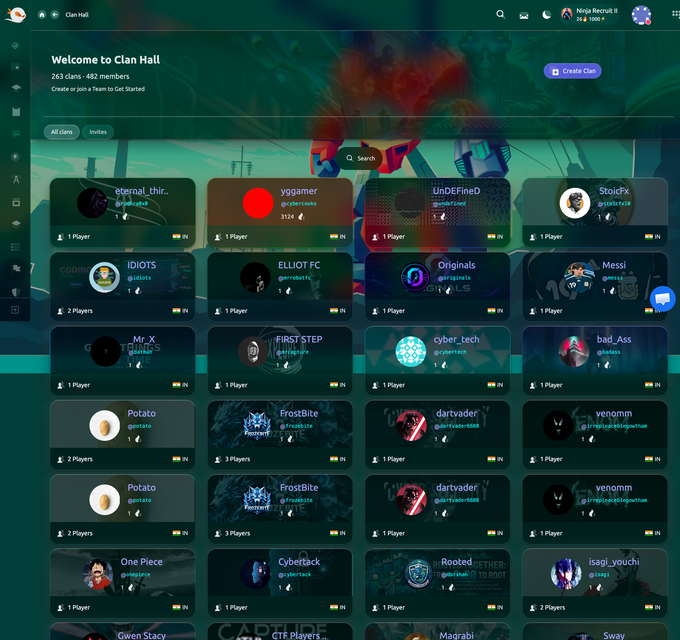
- CTF: Missions with flags, clans and timed events with a live scoreboard.
Use cases
- Semester courses
- Bootcamp batches
- Certification prep
Outcomes
- One template per course
- Scores that mean the same for everyone
- A portfolio students keep
Progress you can show
Every quiz, arena run and flag lands in one place, per student and per department.
- Per department: Members, storage, workspace and lab quotas, enforced rather than reported.
- Per student: What they deployed, what they solved, what they published.
- Exportable: Data export is built in. The record is yours.
Use cases
- Semester reports
- Placement records
- Department reviews
- Evidence for accreditation
Outcomes
- One record per student
- Scores that mean the same
- Exportable at any time
- Nothing kept in a spreadsheet
Agents prepare, people are assessed
Faculty and students connect their own MCP client with their own permissions.
- The agent does: Deploys a workspace, writes the files, routes it, connects a database. No SSH key, nothing to join.
- Off limits: Quizzes, the code arena, CTF flags and the leaderboard are refused before any role is checked.
- On record: Every call is written to the account and client that made it.
Use cases
- Preparing a lab for a class
- Starter files for a batch
- Routing a student project
- Publishing a template
Outcomes
- Faculty time back
- Assessment stays with people
- Every call on record
- One connection per person
One WireGuard network. Six engines to choose from. Nothing to install.
For Teams
One platform for the team, on a machine you own
A workspace for each engineer, databases beside the code, and a web address for everything the team builds. Someone joining starts from the same template the others are on, not from a wiki page. No cluster to run, nothing charged per person.
- Isolated networks: Every workspace sits on your own private network, and is shared with a team only when you share it.
- Databases beside the code: Six managed engines, credentials issued per workspace, nothing to install and nothing to patch.
- Agents under your rules: Connect Claude Code or Codex. It acts with the engineer’s role, and every call is recorded.
Onboard by template
One template per stack. A new engineer gets a machine, not a wiki page.
- One template per stack: Fork one of 114+ or publish your own. Versions kept, any one restorable.
- A machine per engineer: SSH, VS Code in the browser, a VPN address, a public URL.
- A department per team: Limits on members, storage, workspaces and labs, enforced rather than reported.
Use Cases
- Engineering onboarding
- Preview environments
- Internal tools with a real URL
- Agent-driven prototyping
Outcomes
- One template per stack
- No per-seat bill
- No cluster to run
- One record of who did what
Ship from the workspace
Every workspace has a public URL and a certificate. Add a domain, a TCP port, replicas.
- Routing and TLS: A certificate per workspace, custom domains, ports with SNI.
- Replicas: Scale groups behind one address on paid plans, with rollback.
- Preview environments: A workspace per feature, deleted when you are done with it.
Use cases
- Internal tools with a real URL
- Preview environments
- Staging that matches production
Outcomes
- No Kubernetes to run
- No per-seat bill
- One audit trail
Databases beside the code
Six engines, provisioned per workspace, with credentials only that workspace holds.
- Six engines: Relational, document, key value, queue. Nothing to install.
- Per user credentials: Each workspace gets its own user. Rotate one without touching the rest.
- Object storage: MinIO from the store, for the files a build produces.
Use cases
- A database per branch
- A queue between two services
- A cache beside the app
- Seed data for a demo
Outcomes
- No local database drift
- Six engines on one platform
- Credentials per workspace
- Gone with the workspace
The same platform for Claude and Codex
An agent holds the permissions of the engineer who connected it, and is shown only the tools that role may call.
- One connection: Deploy, files, processes, routing, databases, templates and limits.
- The same roles: The model sees and calls only what the connected person's role allows.
- Every call audited: Allowed or refused, written to the account and client that made it.
Use cases
- Agent-driven prototyping
- A preview per branch
- The repetitive half of setup
- Reading the logs
Outcomes
- One connection to set up
- The engineer's own role
- Every call audited
- Quotas that hold
# "a Flask app with PostgreSQL, on a real URL"
> plan_my_build
  → template, then database, then routing
> deploy_lab ubuntu
> create_database postgresql app_db
> write_lab_files app.py requirements.txt
> start_lab_process "flask run"
> configure_lab_routing :5000For Startups
Prototype fast, and ship from the same machine
Deploy from a template, attach your own domain, get a certificate, connect a database, and let an agent do the repetitive half. It all runs on one machine billed by the hour, so the bill is a number you can work out before you start.
- The machine is the bill: Plans from Nano to Titan, billed by the hour. Nobody is charged per head.
- Stacks that are already built: 114+ templates in the store. Start from one, or fork it and publish your own.
- Deploys you can undo: Every deploy is recorded, so you can put back the last one that worked.
From idea to a URL in a sitting
Deploy a template, point an agent at it, and the prototype is serving by the end of the session.
- Start from a template: 114+ in the store, from a plain Linux box to a full stack.
- A database in a call: Six engines with credentials scoped to the workspace.
- A URL that stays up: TLS, a custom domain, and the machine persists.
Use Cases
- Rapid MVP prototyping
- Browser-based remote dev
- Testing new tech stacks
- Evaluating engineering hires
Outcomes
- The same environment for everyone
- A bill sized by the machine
- One-click teardown
- No DevOps hire yet
Sized by the machine
Plans from Nano to Titan, billed by the hour, a dedicated IP each. No per-seat fee.
- By the hour: Pay for the machine you run, for the hours you run it.
- No seats: Add people at no cost. Limits are per department, not per head.
- Move plans: Up when traffic comes, back down when it goes.
Use cases
- MVPs and demos
- Investor previews
- A workspace per client
Outcomes
- One bill for the machine
- No infrastructure hire
- Ship the same day
The organization grows with the team
Start as one person. Add departments, templates and roles when the team exists.
- Departments: One per team, each with its own limits.
- Roles: Owner, admin and member. Department admins when you need them.
- Templates: The stack the first engineer built becomes the template the tenth starts from.
Use cases
- The first hire
- A second team
- A workspace per client
- One stack, shared
Outcomes
- Departments when you need them
- Roles that match the team
- One template per stack
- Nothing to replatform
Agent-driven prototyping
Connect Claude Code or Codex once. The agent deploys, routes and ships with your permissions.
- plan_my_build first: The agent gets the order the decisions happen in before it deploys anything.
- Refusals that mean something: A quota is a quota, a conflict is a conflict, each says what to do next.
- Limits that hold: A quota is checked at the moment of the request, so two agents cannot both take the last slot.
Use cases
- From an idea to a URL
- A workspace per experiment
- Routing and certificates
- Triage from the logs
Outcomes
- Ship the same day
- No infrastructure hire yet
- Refusals that say what to do
- Every call on record
The app store
Start from a template, not an empty machine
A template is a Dockerfile and a configuration that somebody already got right. Take one from the store, or write your own and publish it back, and everyone who starts after you starts from it.
Capture the flag
Running a CTF? Run it on our labs.
Flags, timed events, clans and a live scoreboard are part of the platform, and a challenge is a real Linux machine from a template rather than a form that checks a string. We host events on it ourselves, at a size worth naming.
- 2000+people playing in one event
- 200+CTF machines stood up for it
- 114+templates to build challenges from
- 165sfrom click to a serving platform
Hosted on these labs for the Government of Tamil Nadu, run together with the police.
Every challenge machine is an ordinary workspace, so the same platform runs the course the week after the event. Nothing about a CTF here is a separate product.
Watch
See what the platform actually is
Filmed on the platform itself, with nothing staged: workspaces opened, a template built and deployed, and a public URL answering.
- Real machines: the workspaces students and teams use every day, not a build made for a demo.
- A real deploy: a template chosen, a workspace routed, a certificate issued, a URL that answers.
- Start to finish: creating a lab and managing it, in one recording.
Want to know more? Press play. It is the platform, not a slide deck.
Templates and database engines, ready to deploy