
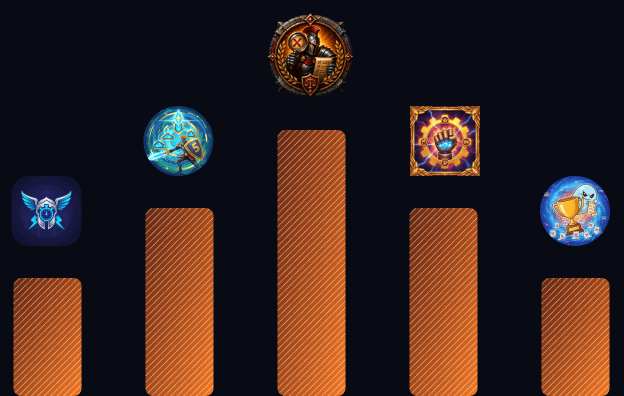
Gamified Learning
Earn Zeal and Jolt in the Code Arena and Spot Quiz, collect badges in challenge labs and climb leaderboards your batch can see.
May we use cookies to learn which of our ads brought you here? Nothing is shared until you say yes. How we use them
Real Linux workspaces with a public URL, a database beside them and an app store in front of them, for schools, universities, startups and the AI agents they use. Routing, TLS, VPN, credentials and limits are handled, so learners build and teams ship without an infrastructure team.
Platform Foundation
What every lab runs on: our hardware or yours, a container per lab, private access over WireGuard and databases we run for you.
Campus & Team ready
The same platform, set up two ways: for teaching and assessment, or for building and shipping.
Run hands-on courses on cloud labs, with Spot Quiz, Code Arena, capture-the-flag missions and progress kept per student.
Give each engineer a Linux lab with a public URL and a managed database beside it, with no servers to set up or keep running.
What is inside
Six parts of the platform, each with a short walkthrough: organizations, machine labs, services, domains, challenge labs and the AI features.
Run a company, college or team as one account, split into departments that each get a share of its limits. Each member keeps a personal workspace and switches to the organization or a department from one menu; what they create there belongs to that account. Every action is still logged against the person who took it.
A private Linux machine that runs for you in the cloud, ready in about a minute. Pick Ubuntu, Docker, Node-RED, n8n, Kali, Jupyter or another template from the store, and you get root, a terminal, VS Code in the browser and SSH. Your home directory survives every stop and redeploy.
Database and message-broker servers, run for you. Create a service user, add databases under it and connect from any of your labs: MySQL, MariaDB, PostgreSQL, MongoDB, Valkey (Redis-compatible) and RabbitMQ, with nothing to install or keep running.
Put a project on the internet under a real address. Take a free subdomain, or point a domain you own at your labs, then attach it to a lab and redeploy. The certificate is issued and renewed for you, so the site is HTTPS from the first visit.
Capture-the-flag labs: a machine with something hidden in it, and missions that tell you what to find. Every mission places a fresh flag in your own lab, unique to you or your team, and every capture counts on the leaderboards.
AI that teaches, built into the same platform as the labs. It writes lessons, maps learning paths, turns a syllabus into study material and writes fresh quizzes and coding problems, with a tutor on hand that knows the lesson.
Campus & Team ready
Practice that feels like play and counts like work: points, challenges, AI guidance and a record of everything a learner has built.
Earn Zeal and Jolt in the Code Arena and Spot Quiz, collect badges in challenge labs and climb leaderboards your batch can see.
Generate a lesson on any topic and ask its AI tutor when you are stuck, map your path with Roadmap AI, then test yourself on a fresh five-question quiz.

Register for timed capture-the-flag events alone or with your clan, capture flags in your own lab and follow the event leaderboard live.
Ask and answer questions in Discussions, share your work and join clubs, with AI tools that help you write and read posts.
 Milestones
Rank Achieved
Show an employer your rank, the problems and missions you solved, roadmap milestones backed with proof and projects live on real URLs.
Browse. Install. Start building.


